
Mochi
ABOUT
Overview
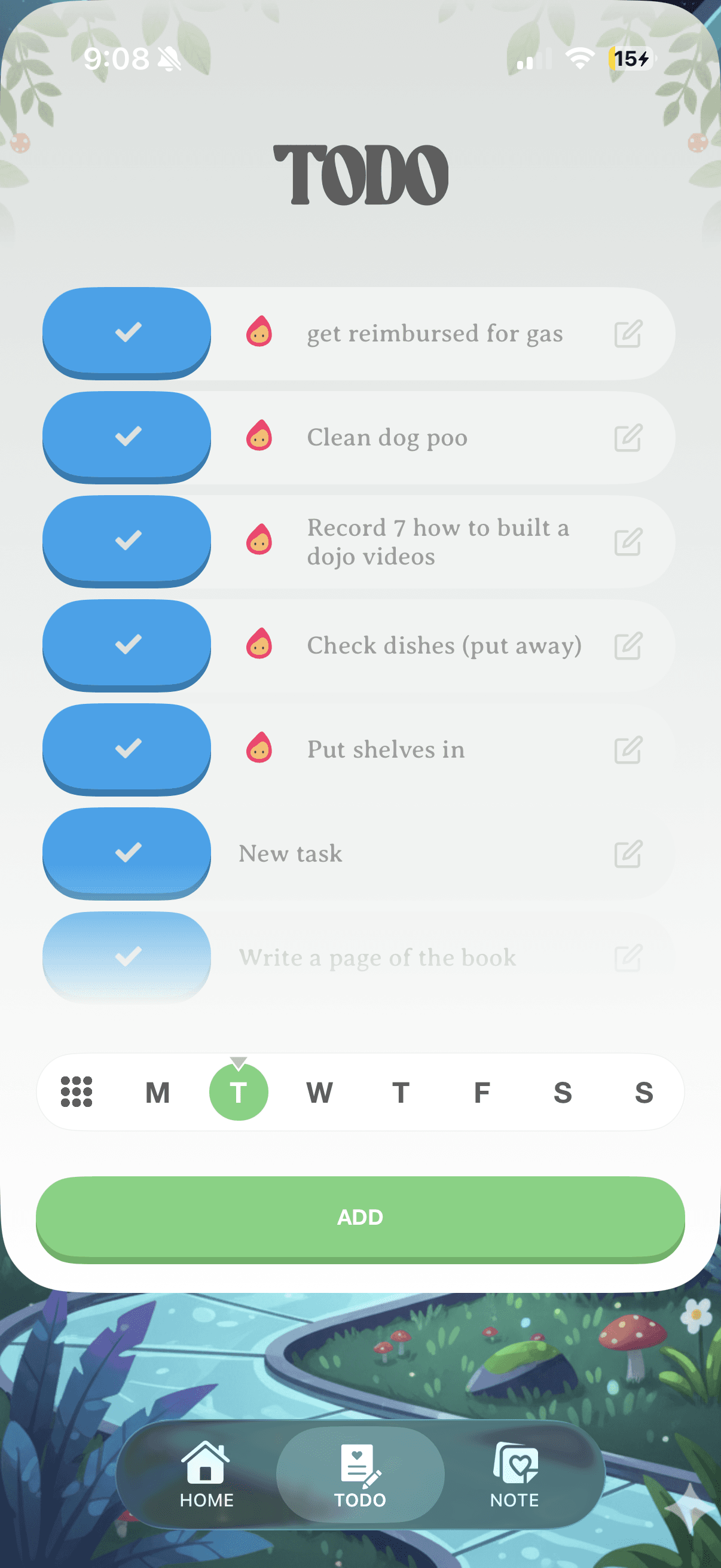
Mochi started with an honest admission, the productivity app space is saturated, and most todo lists are genuinely boring to open. I was solving my own problem. What if your todo list was something you had to take care of? Mochi is a productivity app built around a virtual pet. Your finished tasks keep it happy. It taps into the same psychology that made Tamagotchis impossible to put down, applied to the one category of app that needs engagement the most. Everything planned, designed and coded by me. Designed in Figma, Coded in Cursor with Claude + Layered Setup.
Design-to-code workflow
I built Mochi almost entirely through Figma and Cursor AI using the Figma MCP server to bridge design and code in ways that would have taken a much larger team not long ago. The project was an intense learning curve, I had designed countless iOS apps but never coded one.
Shipping in Xcode
Xcode was new territory. That was partly the point. I wanted to produce something real while building skills I knew were becoming essential. The design industry is changing fast, and the designers who will matter most are the ones who can close the gap between vision and shipped product. Mochi was my proof of concept for that.
Engineering discipline
I approached the build the way a real developer would, thinking about security, architecture, and doing things the right way. When I hit walls, a few focused conversations with Claude usually surfaced solid solutions. It became a genuine part of the development process, not just a shortcut. I learned about everything from API key management to TestFlight for QA.
Skin automation
The final piece was automation. Creating skins was core to the Mochi experience, and building an efficient pipeline wasn't optional. It was also one of the more revealing exercises in understanding where AI excels and where it hits a wall.
The pipeline ran through three stages: Gemini generated character images from a detailed brand prompt, Grok animated them, and a final codec pass would remove transparency in the video. something im not even sure apple supports very well, I had to create a custom library to handle the HVEC transparency.
To skin the icons I created a custom skin generator that extracted the color scheme of a target style image and applied it automatically to existing UI assets. No hand crafting every theme, just creative direction, automation saved the day.
Transparent assets
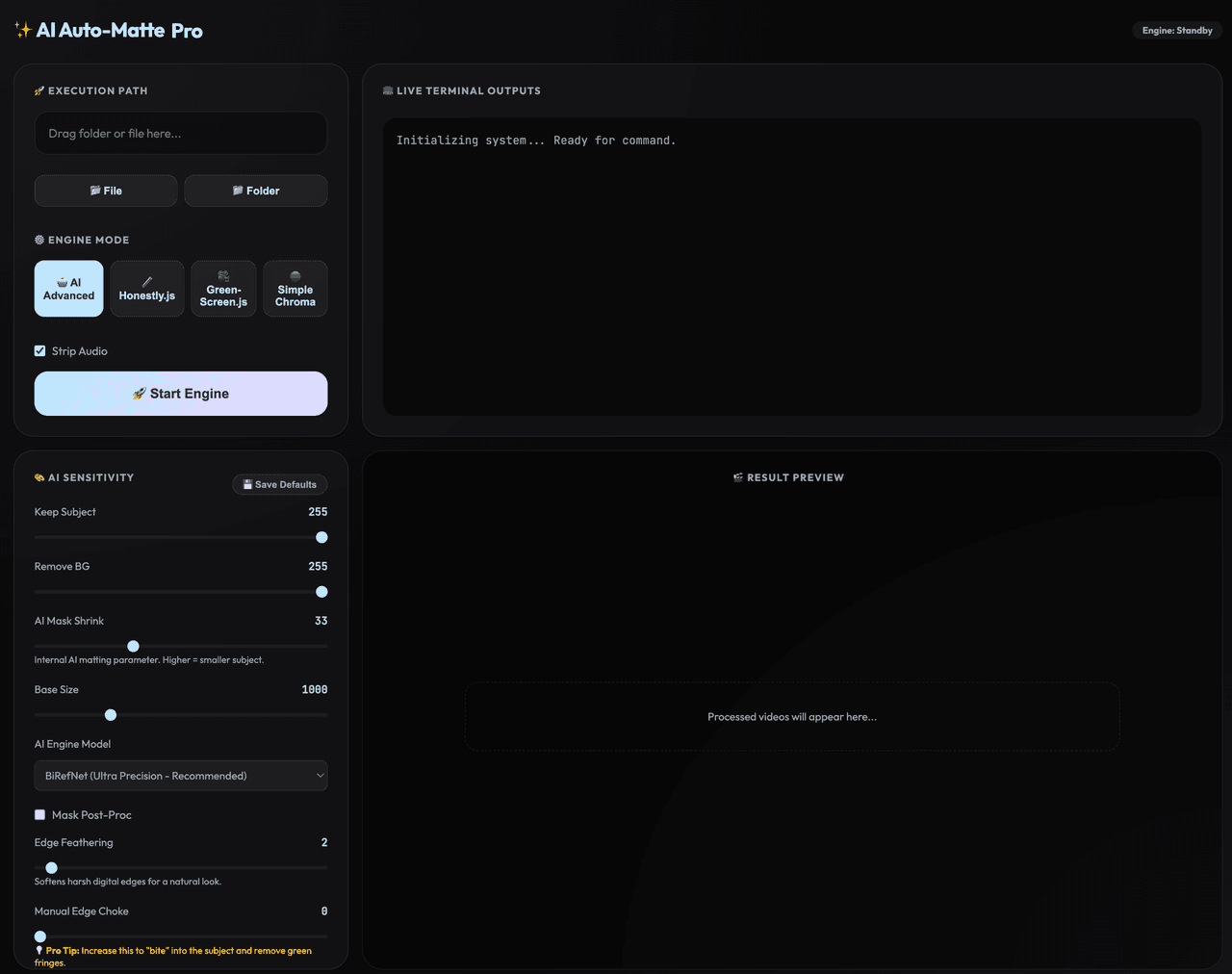
LLMs struggle with transparent assets, which became a real bottleneck. The fix was a hybrid approach, custom coding a non-LLM "green screen" app. An AI library handled the transparency pass and another open source library handled the file conversion.
Spacer
A good reminder that the best pipelines use the right tool at each step, not the most sophisticated one everywhere. Sometimes old solutions are best.